
Short Answer: Where an Explainer Video Helps a SaaS Funnel
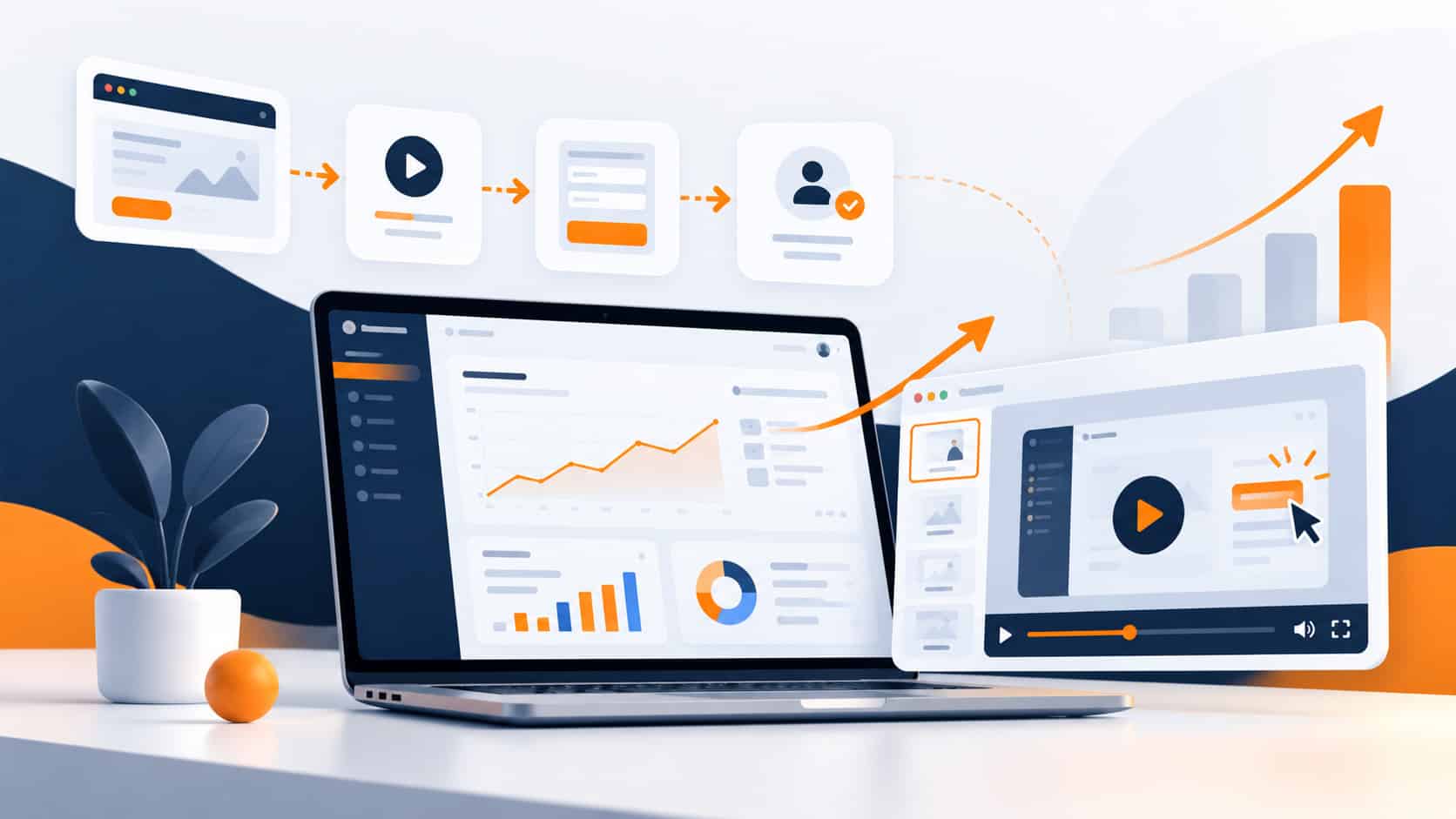
An animated explainer video helps a SaaS company when buyers stall because they can’t quickly see what the product does, who it is for, and why it is different. It earns its place in a few specific moments: on the homepage or a key landing page, in sales follow-up, during trial onboarding, and around feature launches.
It will not fix weak positioning, low-quality traffic, or a slow page. And it is not a replacement for a live demo when a buyer needs to see the real interface in detail. Used in the right place, it gives prospects a clear, shared starting point before they invest more time.
Why SaaS Products Are Hard to Explain
Most SaaS products are easy to use once someone understands them and hard to describe before they do. The value is often abstract: time saved, fewer handoffs, better visibility. Abstract value is difficult to show with a screenshot.
- Feature sprawl. Product pages list dozens of capabilities, and buyers struggle to see which ones matter for them.
- Integrations and workflows. The real benefit often lives in how data moves between tools, which is hard to explain in text.
- Several stakeholders. The day-to-day user, the budget holder, and IT or security each need a different reason to say yes.
- Category confusion. In crowded categories, buyers can’t easily tell how one platform differs from the next.
An explainer’s job is to cut through this. It shows one clear problem, one clear way the product solves it, and one next step.
Where an Explainer Video Fits in a SaaS Funnel
Homepage and Landing Pages
This is the most common placement. A short video near the top of the page gives visitors a fast overview before they decide whether to read further, start a trial, or request a demo. It works best when the surrounding copy, headline, and call to action tell the same story as the video.
Sales Follow-Up
After a first call, prospects often need to explain your product to colleagues who weren’t in the room. A focused explainer gives your champion something easy to forward. It can also replace some of the repeated “what does it do?” walkthroughs your sales team gives. For a closer look at each sales moment, from first touch to the post-demo follow-up, see our guide to sales explainer videos for B2B SaaS.
Trial and Onboarding
New users who don’t reach the first moment of value tend to drift away. A short onboarding explainer can show the core workflow and the first few actions to take, especially when your product’s value only becomes clear after setup.
Feature and Product Launches
When you ship something significant, a launch explainer helps existing customers and prospects understand what changed and why it matters. It can be reused across email, in-app announcements, social posts, and sales decks.
What an Explainer Video Can and Can’t Do for Conversions
A good explainer makes your offer easier to understand. That can support conversions, but it doesn’t guarantee them. Results also depend on the quality of your traffic, how well your offer fits the market, the design and speed of the page, and how quickly your team follows up.
Be cautious with universal benchmarks. Many widely shared video statistics come from small surveys or vendor case studies and don’t transfer neatly to your product or audience. The most reliable evidence is your own: compare how a page performs with and without the video, and listen to what prospects say in sales conversations.
Choosing a Format for a SaaS Explainer
Three styles cover most SaaS needs:
- 2D animated explainer. Characters, scenes, and simplified product visuals. A strong default for homepage and overview videos, where you need to show the problem as well as the product.
- UI-focused motion graphics. Stylised versions of your dashboard, workflows, and integrations. Useful when the product experience is the selling point, without the clutter of a raw screen recording.
- Whiteboard animation. Simple, hand-drawn explanations. Better suited to internal training, education, and step-by-step processes than to a polished homepage hero.
Many SaaS videos blend 2D scenes with simplified interface moments, which helps buyers connect the story to the real product. For a side-by-side comparison, see our guide to whiteboard vs 2D animated explainer videos. To see how each style looks in practice, browse our animated video portfolio.
How Long Should a SaaS Explainer Be?
Long enough to explain one core idea well, and no longer. A homepage overview should state the problem, show the solution, and point to the next step without walking through every feature. Onboarding and sales follow-up videos can go deeper, because the viewer has already shown interest. If you’re unsure, our guide to explainer video length for B2B offers compares the common formats and when each makes sense.
Scripting a SaaS Explainer: Start With the Problem
The script decides whether an explainer works. The most common mistake is leading with features. Strong SaaS scripts start with the buyer’s situation, name the friction they feel, and then show how the product removes it.
- Pick one audience. Write for the person most likely to watch, not for every stakeholder at once.
- Name the problem in their words. Use the language your customers use on sales calls, not internal product terms.
- Show three or fewer capabilities. Choose the ones that solve the problem you named.
- End with one clear action. Start a trial, book a demo, or read the next page. Pick one.
Our article on what to include in an explainer video script covers the core parts in more detail, including what to prepare before production starts. For another perspective on planning a SaaS explainer, see this SaaS explainer video guide.
Common Mistakes SaaS Teams Make
- Explaining every feature. A video that tries to cover the whole product usually leaves viewers remembering none of it.
- Relying on jargon. Category terms that feel obvious internally often confuse new buyers.
- Using a generic template. A video that looks like everyone else’s can undercut credibility with buyers comparing several vendors.
- Skipping distribution. A strong video that sits on one page and nowhere else does little work. Plan where it will live before production.
- Forgetting captions. Many people watch video with the sound off, especially on social feeds and in open offices. Captions keep the message intact.
- Not measuring anything. Without a baseline, you can’t tell whether the video is helping.
How to Tell Whether Your Explainer Is Working
You don’t need a complex analytics setup. Start with a few practical signals:
- Play rate. Are visitors actually starting the video? If not, look at placement, thumbnail, and page layout.
- Page conversion. Compare demo requests or trial sign-ups on the page before and after adding the video, or test two versions of the page if your traffic allows.
- Trial activation. For onboarding videos, check whether new users reach the key first action more often.
- Sales feedback. Ask your team whether prospects arrive at calls with a clearer understanding of the product.
Treat the first version as something to learn from. A new opening line, a different thumbnail, or a shorter cut-down can make a noticeable difference to how a video performs on your pages.
When an Explainer Video Isn’t the Right Fit
An explainer is not always the best next investment. It may not be the right fit if:
- your positioning is still changing week to week, so the script would be out of date quickly;
- buyers mainly need to see your real interface in detail, where a recorded product walkthrough may serve them better;
- the page has bigger problems, such as unclear copy, slow load times, or no clear call to action;
- there is no plan to use the video beyond a single page.
In these cases, fixing the message or the page first usually gives the video a much better chance of working later.
Planning the Budget
The cost of a SaaS explainer depends mainly on style, length, the level of custom visuals, and how much scripting support you need. Our guide on how much an animated explainer video costs explains what drives the final price and when a simpler video is enough. To compare packages side by side, see our explainer video pricing and packages.
Next Step
If you’re planning an explainer for your SaaS product, start with three things: who the video is for, the one problem it should explain, and where it will live (homepage, sales follow-up, onboarding, or a launch). We’ll use that to recommend a style, a length, and a package that fit your goal.
Discuss Your SaaS Explainer Video
Prefer to look around first? See examples in our portfolio or compare packages and pricing.

0 Comments